QLAMaster features

From assessment marks to clearer next steps

QLAMaster helps teachers prepare assessments, analyse question-level marks and turn the results into clearer feedback and revision priorities.

A simpler assessment workflow

Prepare the paper. Add the marks. Let QLAMaster do the analysis.

Use an existing assessment, build your own or create a first-pass mapping from a paper using AI-assisted mapping.

01

Choose or create the paper

Start with an available assessment, create your own paper or prepare a new mapping using AI assistance.

02

Add question-level marks

Enter student marks using a familiar QLAMaster spreadsheet.

03

Upload the results

Upload the completed spreadsheet and let QLAMaster analyse performance by question, topic and paper.

04

Turn the data into action

Generate clearer feedback and revision priorities for individual students and the wider class.

Available now

Practical tools for everyday assessment

Features designed to reduce repetitive assessment work and make question-level data easier to use.
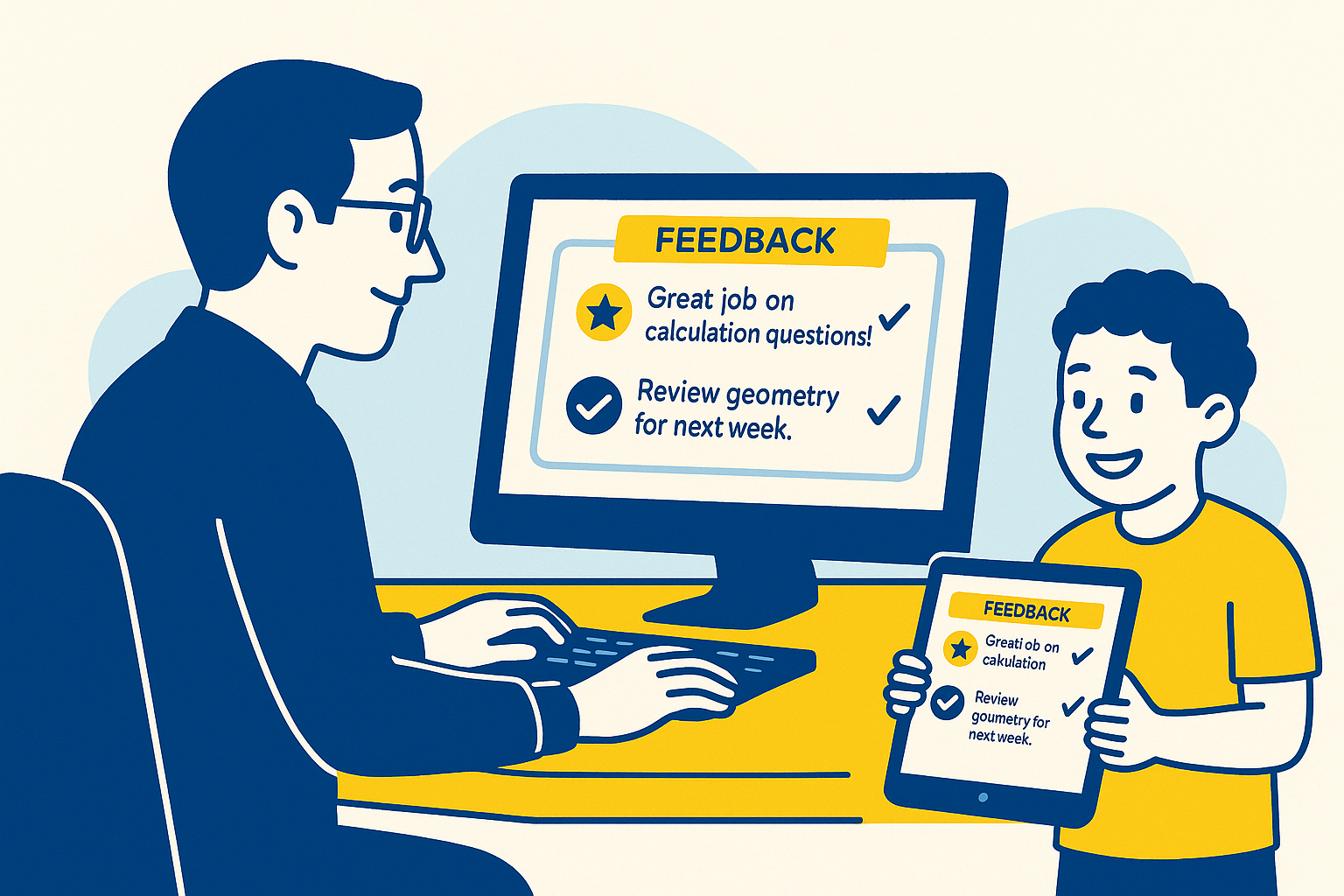
Example personalised student feedback generated by QLAMaster
Live

Personalised feedback

Generate feedback for every student

Turn assessment results into personalised feedback and revision guidance without preparing individual reports manually.

  • Personalised feedback based on each student’s assessment results.
  • Clearer strengths and priority areas.
  • Revision-focused next steps.
  • Downloadable PDF outputs for students and teachers.
Question and topic analysis in QLAMaster
Live

Question-level analysis

See where marks are being gained and lost

QLAMaster turns raw question-level marks into clearer patterns across the assessment.

  • Analyse performance by individual question.
  • See performance grouped by specification topic.
  • Review overall paper performance.
  • Identify weaker areas that may need reteaching or revision.
AI
Upload a paper QLAMaster creates a first-pass question and specification mapping.
Live

AI-assisted paper mapping

Get a head start on mapping a new assessment

Upload an assessment PDF and QLAMaster can create a first-pass mapping of the paper, including questions, marks and relevant specification content.

  • Upload assessment papers as PDFs.
  • Identify question structure and available marks.
  • Match questions against relevant specification content.
  • Save completed mappings directly into My Papers.
Explore AI-assisted mapping →
✓
My Papers Keep your own assessment mappings together and generate new spreadsheets when needed.
Live

Saved assessments

Set a paper up once and reuse it

My Papers gives teachers a place to keep assessment mappings they have created or generated.

  • Keep custom paper mappings together.
  • Store AI-assisted mappings alongside manually created papers.
  • Reopen and edit your own custom mappings.
  • Generate a fresh QLAMaster spreadsheet whenever you need one.
+
Build your own Create assessments that match the papers your department actually uses.
Live

Custom papers

Create your own assessment mapping

Not every school uses the same assessments. QLAMaster lets teachers build their own question-level mappings for custom, internal and adapted papers.

  • Add questions and question parts.
  • Set the available marks.
  • Map questions to relevant specification content.
  • Save the finished paper into My Papers.
%
Student targets Add individual targets or use the default based on the assessment total.
Live

QLAMaster spreadsheets

Familiar spreadsheets, ready for analysis

Generated spreadsheets are designed to keep entering marks simple while giving QLAMaster the question-level data needed for analysis.
  • Question-by-question mark entry.
  • Paper maximum marks included automatically.
  • Dedicated student Target column.
  • Leave Target blank to use the default based on half of the total marks.
QLAMaster Assessment Library
Live

Assessment Library

Access ready-made assessment resources

Licensed teachers can access available resources for the subjects and levels included in their QLAMaster licence.

  • Browse available assessment resources.
  • Download resources covered by your licence.
  • Quickly see when additional subject or level access is required.

Built for UK assessment

Designed around UK exam boards and specifications

QLAMaster is an independent platform designed for UK assessment workflows and is not affiliated with or endorsed by any exam board.

What we’re working on

Building beyond individual assessments

We’re continuing to develop tools for departments and schools while keeping the everyday teacher workflow simple.

In development

Saved classes

Reduce repeat setup by keeping frequently used classes available for future assessments.

In development

Department and school analytics

Broader views designed to help departments identify patterns across classes and assessments.

In development

Expanded permissions

Role-based access designed for teachers, departments and wider school teams.

Ready to try QLAMaster?

Turn your next assessment into clearer next steps

Upload completed question-level marks and turn them into clearer analysis, feedback and revision priorities.